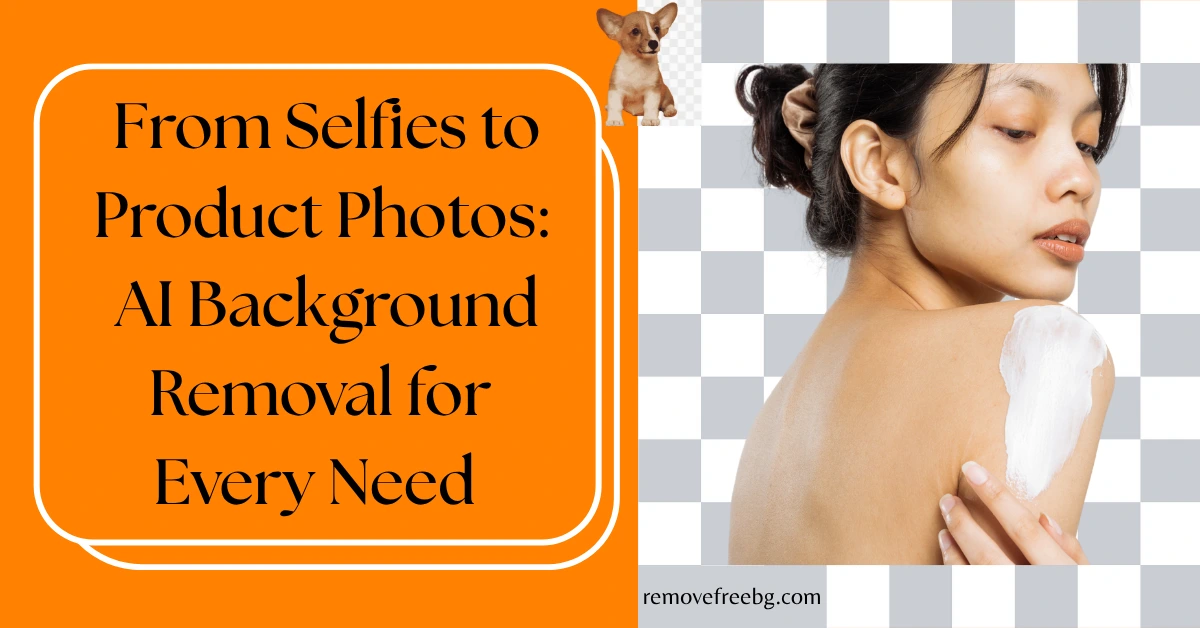
From Selfies to Product Photos: AI Background Removal for Every Need
AI background removal makes photo editing simple, fast, and stunning, for selfies or product images.
RemoveBG
April 16, 2026
Table of Contents
It must have happened with every one of us. We take a picture, only to realize we look great, but the background doesn’t match our aesthetic. And if you are a business owner, you must’ve realized how a cluttered background affects your product picture and, ultimately, your sales.
It is possible with an AI background removal. From influencers posting selfies to match with their Instagram feed to business owners seeking professional product images, AI background removal is your best digital friend.
Let us explore how AI background removal elevates your pictures, be they selfies or product images.
Understanding AI Background Removal
AI background removal is the simple process of removing the background from an image using artificial intelligence. The AI identifies the subjects and removes everything around its edges.
It uses machine learning to differentiate subjects and backgrounds. This saves time and improves accuracy.
AI Background Removal for Personal Use
Enhance Your Selfie
Now, you don’t need to worry about deleting selfies because you don’t like the backgrounds. Just use AI to emphasize your portrait, making it look professional and polished, ready for social media, resumes, or professional projects.
Not only can you highlight your subject, but you can also entirely remove the background, giving your image a clean and crisp look. You can even replace the background with something more fitting.
AI Background Removal for Business and Product Photography
Are you always worried about the unclean background of your product? Fear not, AI Background Removal is here to save your day. Instead of posting unflattering images, you can just remove the background, add a great texture background, and convert it into appealing images that your clients prefer to see.
Creating Professional Product Photos
You may be a small online business that is just starting and wants to grow your digital presence. What you can do is create an aesthetic that best fits your products. You may think it is difficult to create an image with the same aesthetic all over the product page, which is somehow true.
That’s where AI background removal sweeps in. Click pictures of your products in sunlight or any place you find that has great lighting. Try to click pictures from every angle so that clients have a better visual understanding of your product.
This way, you can maintain the aesthetic of your business page with great images.
Tips for Better Results in Background Removal
- Use a high-resolution image for background removal, as a high-resolution image has more pixels, which helps in better background removal.
- Use images with great lighting and high contrast, which makes it easier for AI to differentiate the subject and background.
FAQs
How do you remove the background without losing quality?
You can remove the background without losing quality using AI-powered background removal tools that focus on preserving the subject.
How do AI background removers work?
AI background removers work using machine learning algorithms and deep neural networks.
# Related Posts
How to Remove Background From Jewelry Photos Without Losing Fine Details
A practical guide to creating clean jewelry cutouts while preserving delicate chains, stones, metal edges, and small details.
RemoveBG
Oct. 15, 2026
How to Create a Transparent Product Image for Online Stores
A practical guide to turning ordinary product photos into clean, reusable transparent images for ecommerce
RemoveBG
Oct. 15, 2026
Common AI Background Removal Mistakes and How to Fix Them
A practical troubleshooting guide for cleaner, more accurate AI-generated cutouts
RemoveBG
Oct. 1, 2026