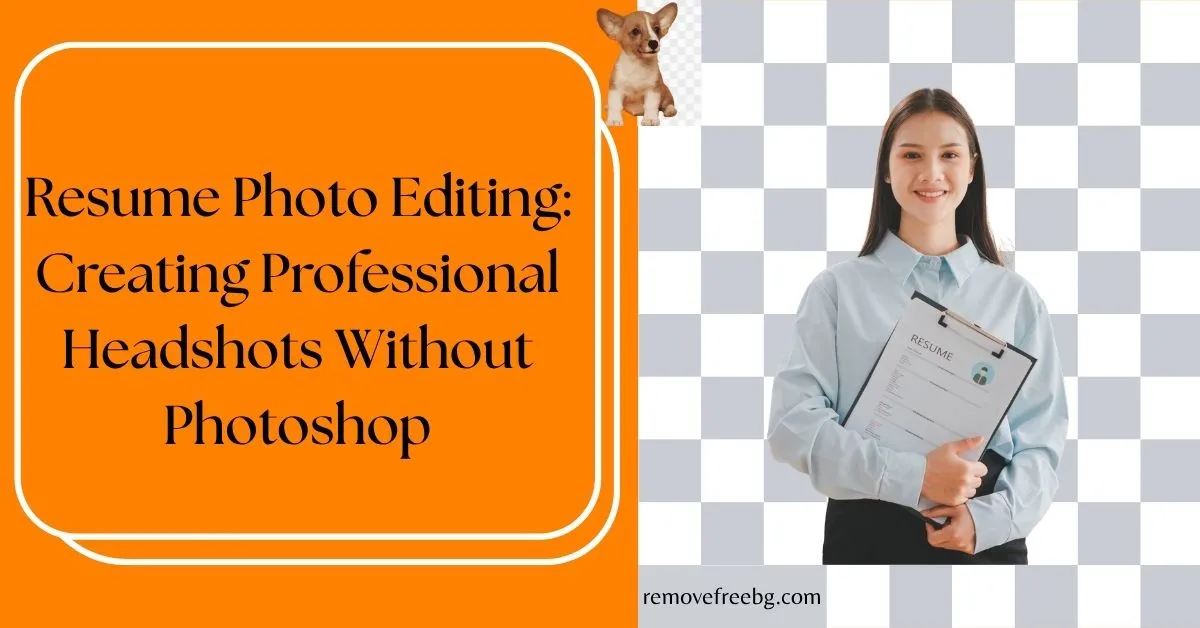
Resume Photo Editing: Creating Professional Headshots Without Photoshop
How Job Seekers Use AI Background Removal to Create Clean, Professional Resume Photos Without Advanced Editing Skills
RemoveBG
May 28, 2026
Table of Contents
- Do Resumes Need Photos?
- Why Professional Headshots Matter
- What a Resume Photo Background Remover Does
- Why Background Simplicity Improves Professionalism
- Choosing the Right Background for Resume Photos
- Why AI Editing Is Replacing Traditional Studio Workflows
- Step-by-Step: Creating a Professional Resume Headshot
- Common Mistakes in Resume Photo Editing
- Professional Branding Beyond the Resume
- The Future of AI in Professional Imaging
- Final Thoughts
- FAQs
A resume is often the first professional impression a candidate makes.
While skills, experience, and qualifications remain the most important factors in hiring, visual presentation still influences perception, especially in industries where personal branding, communication, and professional visibility matter.
Today, resumes are no longer limited to printed documents. Candidates appear across:
-
digital resumes
-
portfolio websites
-
LinkedIn profiles
-
freelance marketplaces
-
conference pages
-
speaker profiles
-
remote work platforms
This has increased the demand for clean, professional profile images.
However, many people do not have access to professional photography studios, advanced editing software, and Photoshop skills. This is why interest in resume photo background remover tools has grown rapidly.
AI-powered editing tools now allow job seekers to create polished professional headshots directly from standard photos. The objective is not to create artificial corporate portraits. The goal is to create a clear, trustworthy, and professional visual identity.
Do Resumes Need Photos?
This depends heavily on country, industry, hiring culture, and professional role.
In some regions, resume photos are common. In others, they are discouraged to reduce hiring bias.
However, professional headshots remain important across:
-
LinkedIn profiles
-
portfolio websites
-
freelance platforms
-
consulting profiles
-
public speaker bios
-
business networking pages
Even when resumes themselves do not include photos, professional identity still relies heavily on visual presentation online.
Why Professional Headshots Matter
Recruiters and employers increasingly interact with candidates digitally before interviews occur. A professional headshot helps communicate professionalism, confidence, approachability, attention to detail, and personal branding consistency.
Poor-quality images create the opposite impression. Common problems include cluttered backgrounds, poor lighting, low resolution, casual environments, and distracting objects.
These issues reduce visual credibility, even when the candidate is highly qualified.
What a Resume Photo Background Remover Does
A resume photo background remover uses AI image segmentation to isolate the subject from the original background. Modern AI systems can identify facial boundaries, hair details, clothing edges, and shoulder contours.
Once separated, the background can be replaced with a cleaner and more professional alternative. This process allows users to create polished headshots without using complex editing software like Adobe Photoshop.
Why Background Simplicity Improves Professionalism
Professional headshots work best when the subject remains the visual focus. Distracting backgrounds compete for attention and reduce clarity.
A simplified background improves facial visibility, image readability, visual professionalism, and consistency across platforms.
This is especially important because profile photos are often displayed at small sizes on professional networks, recruiting platforms, email signatures, and online directories. At reduced sizes, visual clutter becomes even more distracting.
Choosing the Right Background for Resume Photos
Background choice affects how modern and professional the image appears.
Neutral Backgrounds
Soft gray, muted blue, or off-white backgrounds work well for corporate professionals, finance roles, consultants, administrators, and recruiters. These colors feel clean and formal without being distracting.
Minimal Soft Gradients
Subtle gradients create a modern appearance while maintaining professionalism. These are effective for marketers, tech professionals, startup applicants, designers, and freelancers. They add depth without overwhelming the image.
Environmental Professionalism
Some industries benefit from lightly contextual backgrounds. For example: architects, educators, creatives, engineers.
A softly blurred workspace can appear authentic while remaining professional. The key is minimal distraction.
Why AI Editing Is Replacing Traditional Studio Workflows
Professional studio photography can be expensive and time-consuming. AI editing tools reduce that barrier significantly.
Today, many candidates create high-quality headshots using smartphones, natural lighting, AI background removal, and basic image optimization. This makes professional presentation accessible to more people.
Step-by-Step: Creating a Professional Resume Headshot
Step 1: Capture a Clear Photo
You do not need expensive equipment.
Prioritize: natural lighting, eye-level camera position, neutral facial expression, clear focus, clean clothing
Avoid heavily filtered or low-light images.
Step 2: Remove the Background
Use a resume photo background remover to isolate the subject.
Check carefully for: smooth hair edges, natural shoulders, accurate contours
Poor edge quality immediately reduces professionalism.
Step 3: Add a Professional Background
Choose: soft neutral colors, clean gradients, minimal professional environments
Avoid: bright saturated colors, overly artificial office scenes, distracting patterns
Simple backgrounds perform best.
Step 4: Adjust Brightness and Contrast
Minor improvements help the image appear cleaner.
Focus on: balanced lighting, natural skin tones, improved facial clarity
Avoid excessive retouching.
Step 5: Optimize for Multiple Platforms
The same headshot may appear across resumes, LinkedIn, portfolio sites, email signatures, and freelance platforms.
Use consistent framing and image quality across all profiles.
Common Mistakes in Resume Photo Editing
Over-Retouching
Excessive skin smoothing or artificial editing reduces authenticity. Professional photos should still look natural.
Distracting Background Colors
Bright colors pull attention away from the subject. Neutral tones create stronger professionalism.
Low-Resolution Exports
Compressed or blurry images weaken credibility immediately. Always use high-quality exports.
Inconsistent Personal Branding
Using different styles across platforms reduces recognition and professionalism. Consistency matters.
Professional Branding Beyond the Resume
Modern hiring increasingly involves online visibility.
Recruiters often review:
-
LinkedIn profiles
-
portfolio websites
-
online communities
-
conference pages
-
social media presence
A professional headshot strengthens consistency across these environments. This contributes to long-term personal branding.
The Future of AI in Professional Imaging
AI tools are evolving beyond simple background removal.
Future systems may:
-
optimize lighting automatically
-
suggest industry-specific styles
-
improve image framing
-
enhance platform compatibility
-
analyze visual professionalism
Professional image creation is becoming faster and more accessible.
Final Thoughts
A professional headshot is no longer limited to corporate photography studios. Modern AI tools allow job seekers to create clean, polished images using standard photos and simple editing workflows.
A resume photo background remover helps candidates remove distractions, improve presentation quality, and create stronger professional branding without needing Photoshop expertise.
In digital hiring environments, visual clarity matters. A professional image helps ensure attention stays focused on the candidate, not the background.
Visit removefreebg
Download the App | Android | IOS |
FAQs
What is a resume photo background remover?
It is an AI tool that removes the background from profile photos to help users create professional-looking headshots.
Do resumes need professional photos?
Not always. It depends on the country and industry. However, professional headshots remain important for LinkedIn and online professional profiles.
Can I create a professional headshot without Photoshop?
Yes. AI background removal tools allow users to create polished professional photos without advanced editing software.
What background is best for resume photos?
Neutral colors, soft gradients, and minimal backgrounds typically appear the most professional.
Should resume headshots be heavily edited?
No. Professional photos should remain natural while improving clarity and presentation quality.
# Related Posts
AI Background Removal for User-Generated Content: How Brands Reuse UGC
Turn authentic customer and creator photos into flexible marketing assets without losing the value of the original UGC.
RemoveBG
Sept. 24, 2026

How to Remove Background from Images for Facebook Posts
Discover how AI background removal helps businesses, creators, and Facebook users create cleaner images that attract more attention, engagement, and clicks.
RemoveBG
July 30, 2026
Free Background Remover for Clothing Brands and Fashion Stores
Create consistent, professional clothing product images faster with AI background removal.
RemoveBG
July 9, 2026