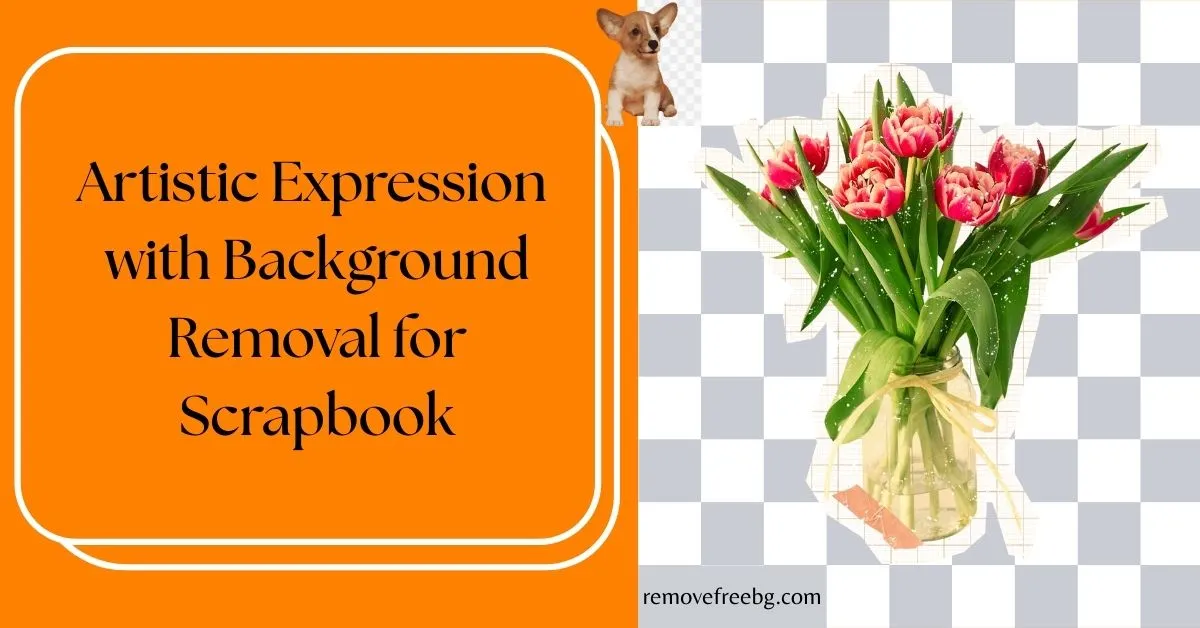
Artistic Expression with Background Removal for Scrapbook
Enhancing your scrapbook's artistic appeal through innovative background removal
RemoveBG
April 16, 2026
Table of Contents
- How Background Removal Changed Scrapbook Design
- Using Background Removal for Creative Control
- A New Layer of Emotion and Detail
- Combining Digital Editing with Traditional Scrapbooking
- Practical Workflow for Background Removal in Scrapbooking
- Scrapbooking as Emotional Healing
- Future of Scrapbooking: Blending AI with Handmade Craft
- Conclusion: Art in Every Layer
- FAQs
Background removal is increasingly used in scrapbooking to isolate subjects from photographs and place them into custom visual contexts. By separating a person, object, or moment from its original setting, scrapbookers gain greater control over composition, emotional focus, and thematic consistency across a page.
How Background Removal Changed Scrapbook Design
Scrapbooking once utilized scissors, glue, and stacks of printed photographs in its preliminary stages. Gradually, it evolved into more like a medium of very visual storytelling.
With the advent of tools for digital editing, masters are sometimes able to manipulate these photographs, add layers, and really design layouts that appear more like art installations than memory books.
One of the fundamental things that gave impetus to this change is isolating subjects from their original backgrounds.
Background removal helps eliminate visual distractions such as crowded environments, irrelevant scenery, or inconsistent lighting, allowing the primary subject to remain the focal point of the scrapbook layout.
Using Background Removal for Creative Control
This option allows for higher customization levels.
Once a subject is isolated, it can be placed against alternative backgrounds that support the intended theme or mood of the page: patterned papers, hand-painted textures, or digital art/transparent overlays. This creative control not only elevates the visual appeal but also allows for deeper storytelling.
The photo no longer serves just as a memory; it becomes a part of a larger narrative built across the page.
A New Layer of Emotion and Detail
What sets modern scrapbook art apart is its emotional depth. With background removal, emotions become clearer.
Where once a grandmother's smile would mix with a busy bustling kitchen, now the smile shines softly, encased within a vintage background. A kid's laugh at their birthday party stands out against a pretty sky of colored watercolor balloons, separated from the noise of a crowded room.
The technique cleans up the images and enhances emotions to make every page intimate and purposeful.
Combining Digital Editing with Traditional Scrapbooking
The most interesting of all is using background removal for scrapbooking and having a hybrid sort of outcome.
The beginning of editing digitally, yet the whole outcome culminates, oftentimes, back in physical form, the finishes hold printouts, cutouts, and are layered with physical embellishments.
Digitally edited images can be printed and integrated into physical scrapbook pages, allowing modern editing techniques to complement traditional hands-on crafting. This is the juncture where digital precision and a human touch marry, to keep the heart of scrapbooking beating in the new possibilities modern design has opened.
Practical Workflow for Background Removal in Scrapbooking
Most scrapbookers perform background removal digitally before assembling their pages. The isolated image can then be resized, layered, printed, or combined with physical textures such as paper, fabric, or hand-drawn elements, depending on whether the scrapbook is digital or physical.
Scrapbooking as Emotional Healing
Many scrapbookers consider this craft a therapeutic form of expression. The creator revisits old photos to curate their placement and remove visual clutter, which helps reframe the story.
Background removal for scrapbook pages offers a way to simplify not just the image, but the memory itself, focusing on what matters most.
For those processing grief, celebrating milestones, or capturing fleeting moments, this kind of intentional editing can bring a sense of control and peace to the artistic journey.
Future of Scrapbooking: Blending AI with Handmade Craft
As artificial intelligence and design tools continue to evolve, scrapbookers are gaining new capabilities without sacrificing the handmade spirit. AI can now suggest layouts, enhance low-resolution images, and remove backgrounds in seconds.
But it is the human hand and heart that turn these digital assets into art.
Background removal for scrapbook pages may be powered by technology, but the vision, emotion, and purpose behind each layout remain entirely personal and uniquely creative.
Conclusion: Art in Every Layer
More than just decoration, scrapbooking casts itself as a canvas for emotion, memory, and expression. By being introduced to the craft of scrapbooking, the art of background removal raises the potential of visual storytelling and intentionality.
As creators continue to blend traditional art with modern editing, background removal for scrapbook projects will no doubt remain at the center of this expressive evolution, refining not only how memories are displayed but how they are felt.
Visit removefreebg.com to remove background
Download Background Remover |Android | IOS |
FAQs
1. Why is background removal used in scrapbooking?
In scrapbooking, background removal refers to isolating the main subject of a photograph so it can be placed into a new visual context. This is done so as to make less visual clutter, use theme layouts, and concentrate on important elements within a particular scrapbook page.
2. Can background removal work with printed photos, or is it only for digital scrapbooking?
When done digitally, background removal techniques can help in crafting digital or physical scrapbooks. After the background has been removed digitally, one can print the edited image, cut it, and glue it onto the physical pages, making a scrapbook that combines digital precision and a handcrafted aesthetic.
3. How can background removal enhance themed scrapbook layouts?
With the background removed, a photo subject can be placed in entirely new visual contexts like a fantasy forest, watercolor sky, or custom collage. By removing the background, themed layouts receive the needed flexibility so that every component of design can relate to the story or mood being illustrated.
4. Does removing the background affect the quality of the photo?
If done using high-resolution images and reputable tools, background removal does not significantly affect quality. But photos that are overly compressed or of too low a resolution can usually be edited to look pixelated. Whenever you are working on something, try to use the best quality source images possible and save them in formats such as PNG so that they can always be transparent and as clear as possible.
5. Can I combine multiple background-removed images into one scrapbook page?
This is undoubtedly a way many people creatively use cut-out images, like those of family members or pets, or objects, in one scene. Combining multiple cut-out images on one page allows scrapbookers to tell stories across time, events, or locations.
6. Are there artistic styles that pair well with background-removed photos?
Yes! Styles like minimalist, vintage collage, watercolor backgrounds, and storybook-inspired layouts pair especially well with cut-out subjects. Since background-removed photos are clean and versatile, they adapt to a wide range of artistic scrapbooking styles.
# Related Posts
How to Remove White Background From an Image
A simple guide to turning white-background images into clean, transparent visuals online or from your phone.
RemoveBG
Aug. 27, 2026
How Changing Photo Background Affects Perception in Photography
Explore the power of visual storytelling with changing photo backgrounds.
RemoveBG
April 16, 2026
Why Background Eraser Matters for Professional Visuals
The essentiality of background erasers in visual content
RemoveBG
April 16, 2026